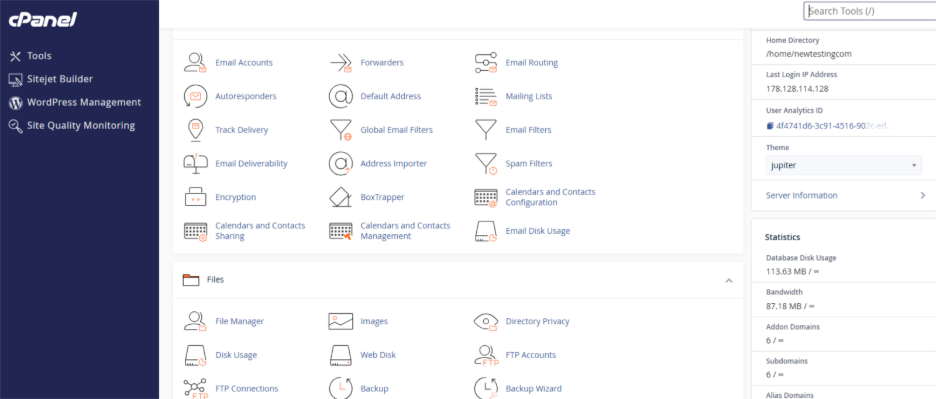
Step 1: Login to your cPanel account.
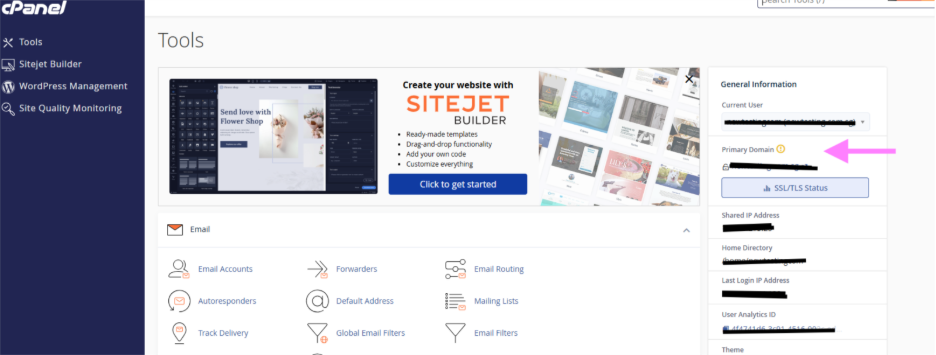
Step 2: In the Left side, under General Information you can be able to locate your primary domain.
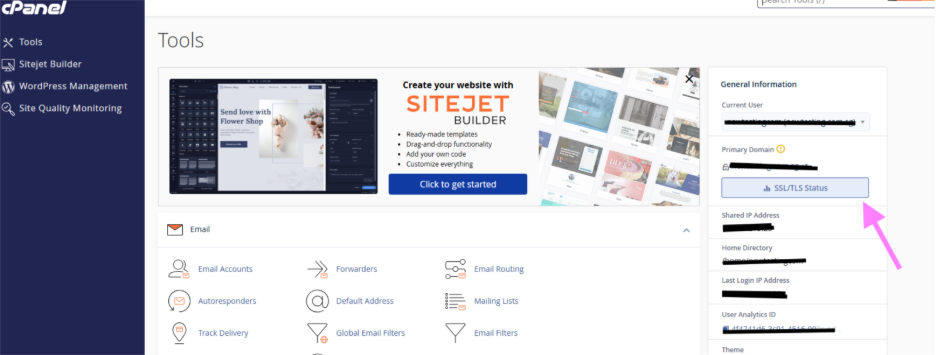
Step 3: Under that click on ‘SSL/TLS status’.
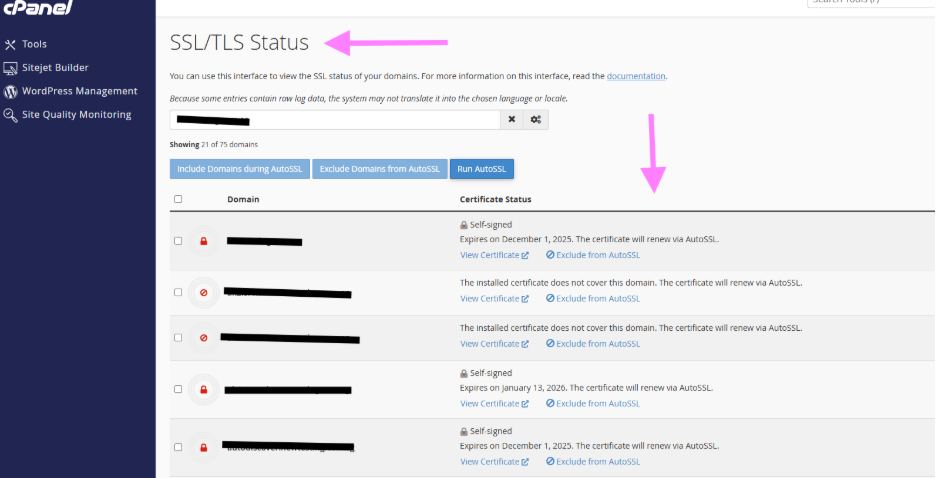
Step 4: In this section, you can be able to manage all the SSL/TLS certificates.