Step 1: Login to cPanel
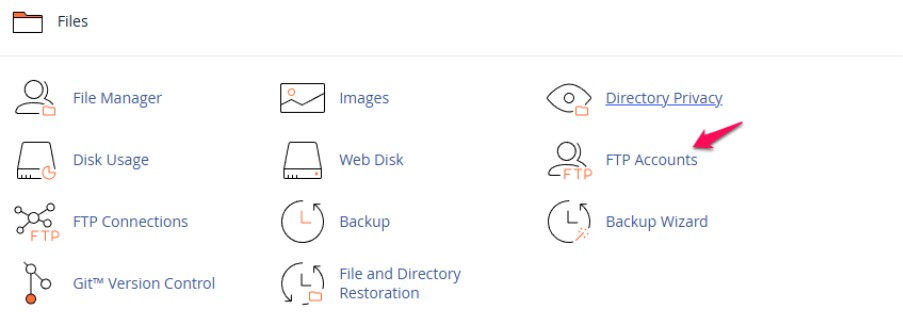
Step 2: Select FTP accounts under the files section of cPanel.
Step 3: Select ‘Change Password’ to update the password for the FTP account.

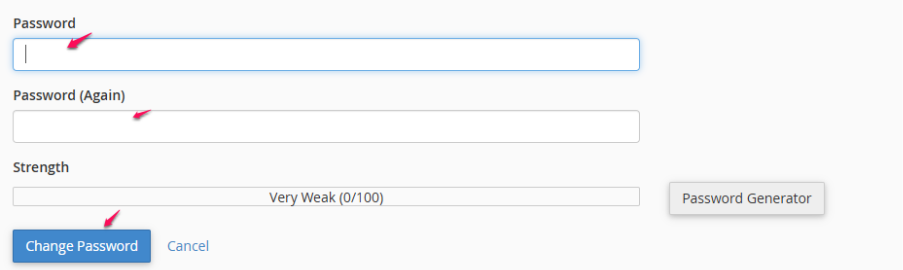
Step 4: Provide a new password and click on “change password”.
Step 1: Login to cPanel
Step 2: Select FTP accounts under the files section of cPanel.
Step 3: Select ‘Change Password’ to update the password for the FTP account.
Step 4: Provide a new password and click on “change password”.