Step 1: Log in to cPanel – Go to yourdomain.com/cPanel and sign in.
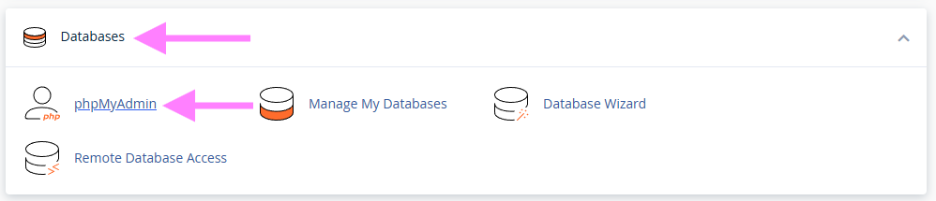
Step 2: Open phpMyAdmin – Find it under the Databases section.
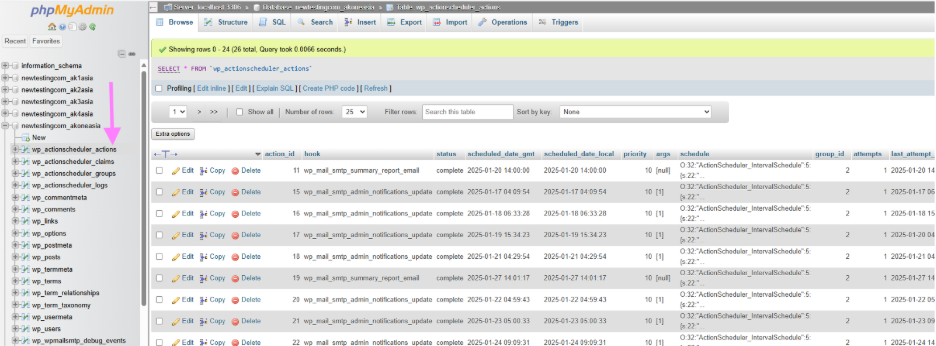
Step 3: Select Your Database – Click on the database you want to fix.
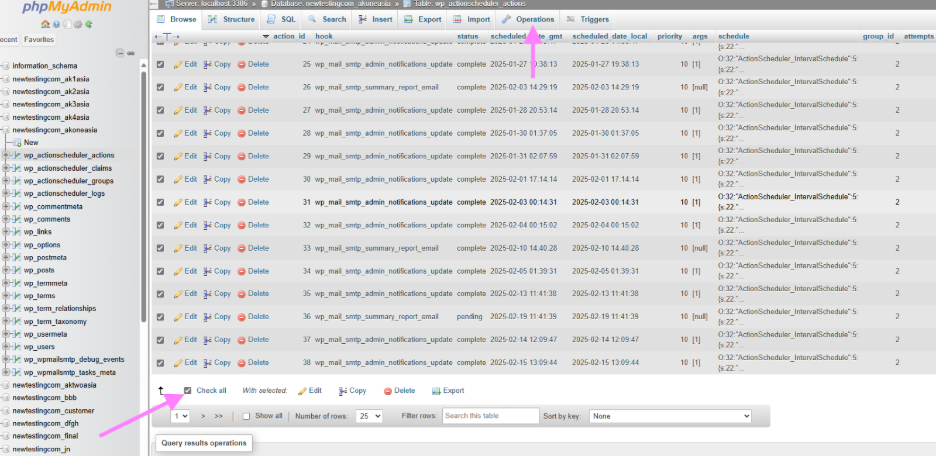
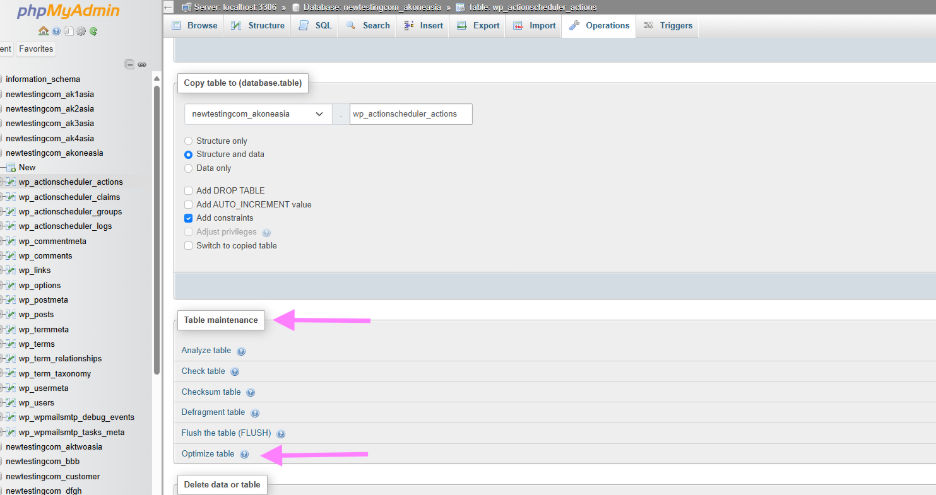
Step 4: Optimize Tables – Select all tables, choose Optimize table, which is under the operations tab.
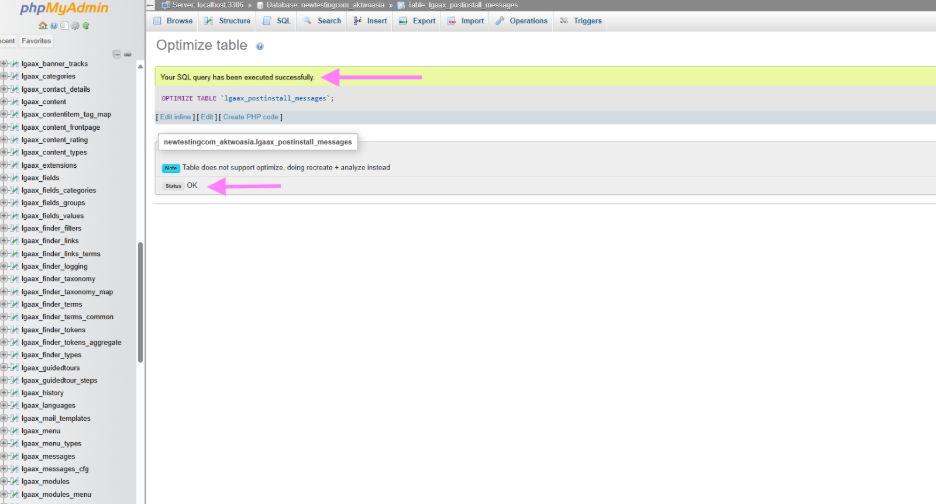
Step 5: Verify – Refresh phpMyAdmin and check for errors.