Step1: Log in to cPanel:
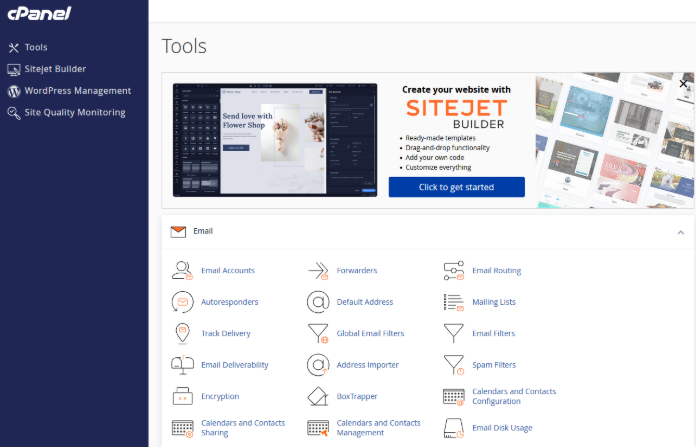
Step2: Go to the Email Accounts Section:
Once logged in, select the Email Accounts under the Email section.
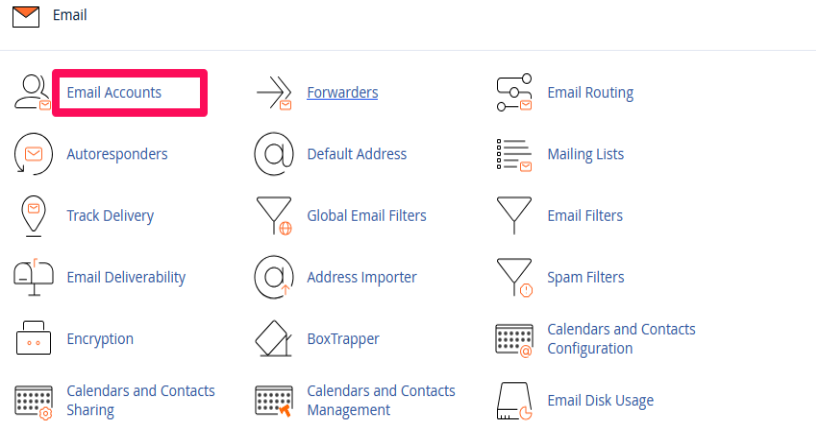
Step3: Find the Email Account:
In the list of email accounts, find an email account and click on Connect Devices next to the account.

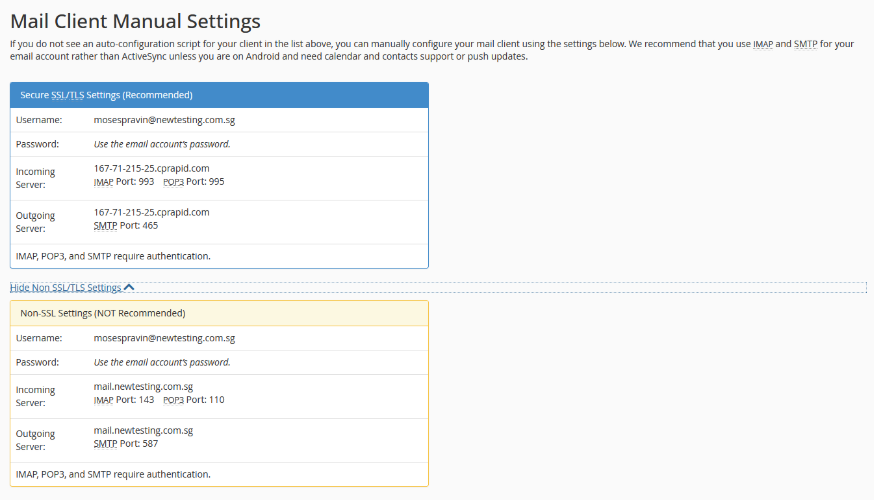
Step4: Collect the Incoming and Outgoing Mail Server Settings:
cPanel will display the necessary incoming (IMAP/POP) and outgoing (SMTP) mail server settings, including the server addresses and port numbers.