Step -1 Log in to your cPanel account.
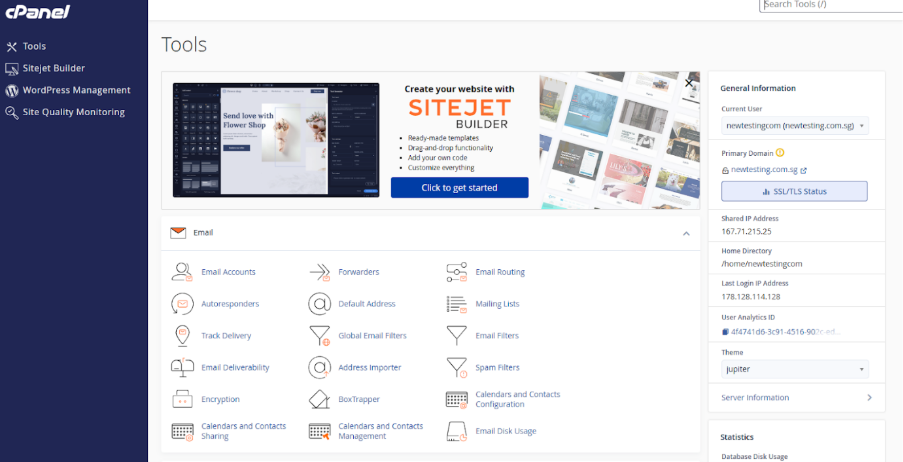
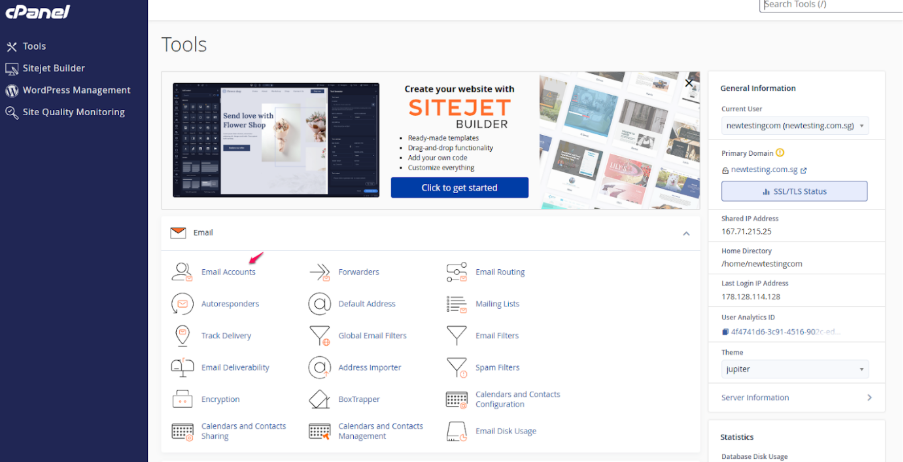
Step -2 In the E-mail section, click on Email accounts.
Step-3 In the Email Accounts list section click on the Restricted button.
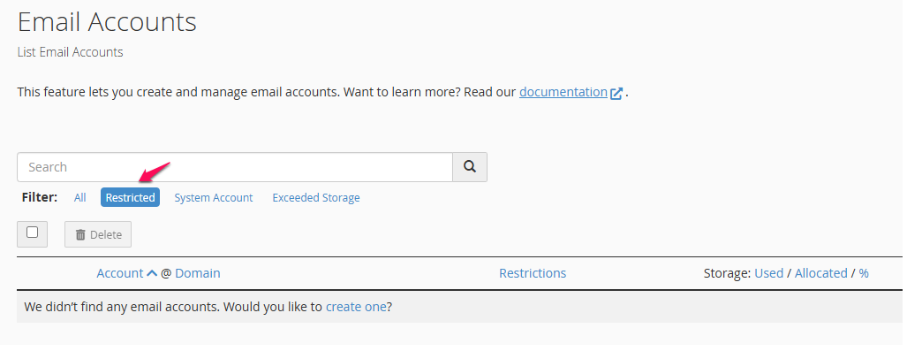
Fig : Before restriction. We could see there are no restricted email accounts.
Step -4 This session allows us to see accounts that are in a restricted condition.
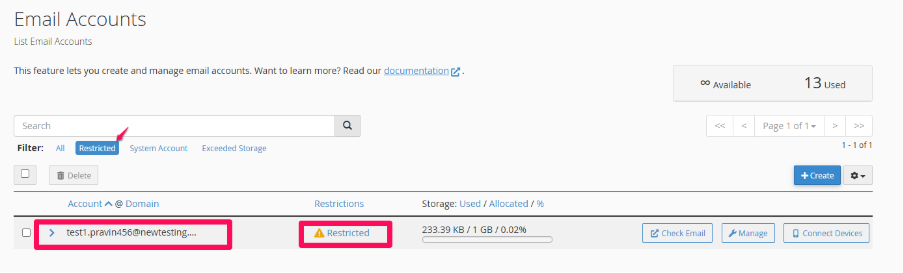
Image displaying the account with the email restriction applied.