To disable the Spam Auto-Delete feature in cPanel, follow these steps:
Step1: Log into your cPanel account.
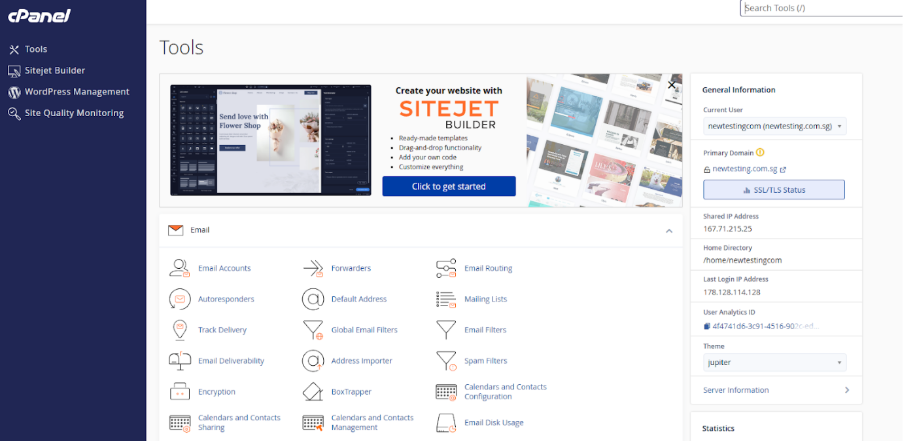
Step2: Navigate to the Email section by clicking on “Home” and then “Email”.
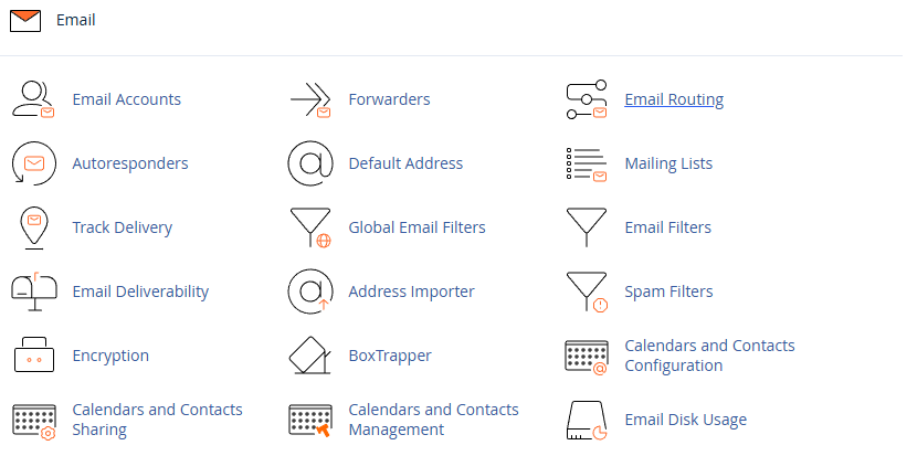
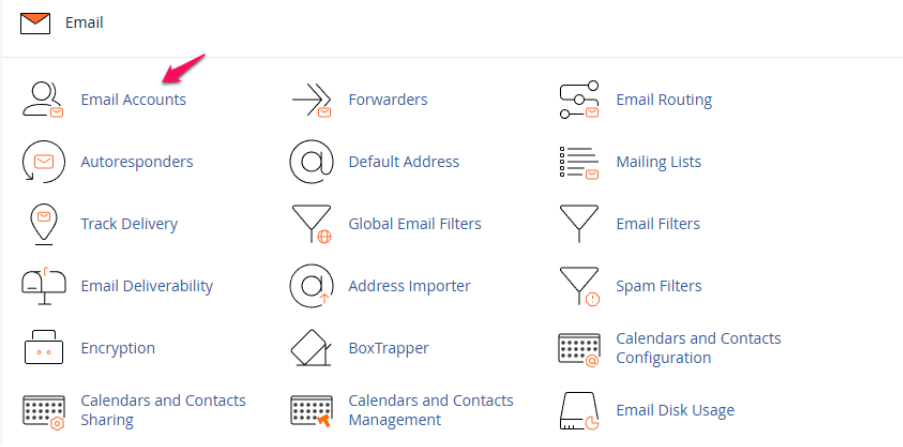
Step3: Go to Email Accounts.
Step4: Locate your email address and click the “Check Email” button on the right-hand side.

Step5: Click on the Spam Filter option within the webmail interface.
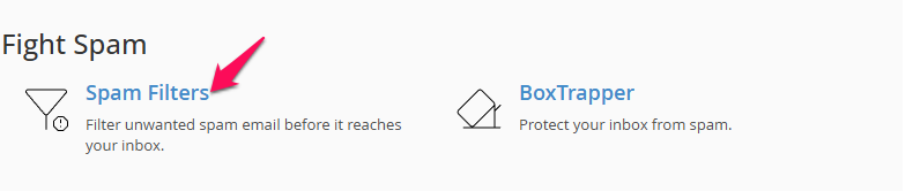
Step6: Select the disable button to disable it.
