Step1: Log in to cPanel.
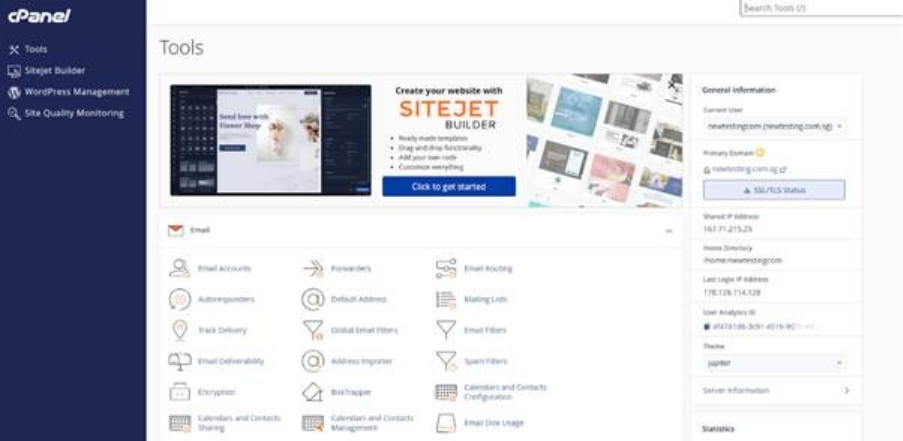
Step2: Go to Email disk usage.
Need to select the email disk usages under email session.
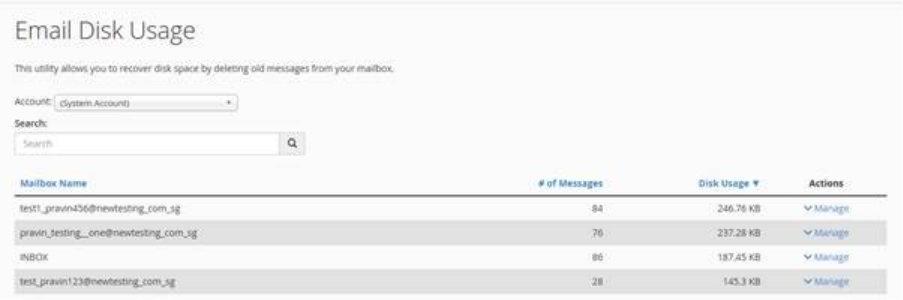
Step3: Select the email account name.
Choose the specific email address from your account list for which you want to delete the old messages, ensuring you select the correct mailbox before proceeding with the deletion process.
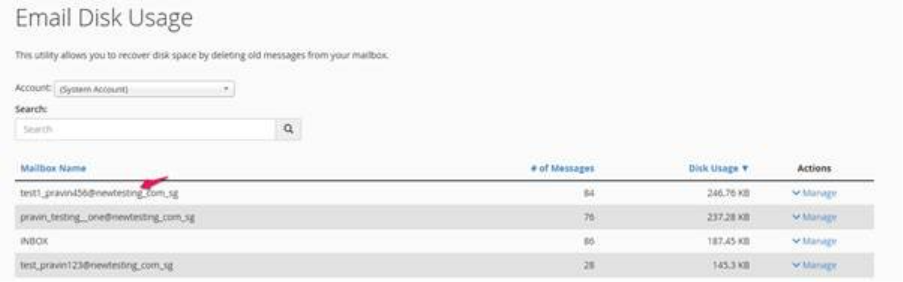
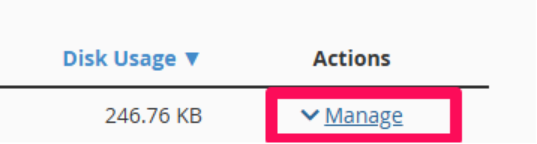
Step4: Click on manage option.
Step5: Select the mails and delete permanently.
First, select the labeled ‘1 year or older messages’ to filter and identify all emails that are over a year old. Then, click on ‘Delete Permanently’ to delete the emails from your account permanently.

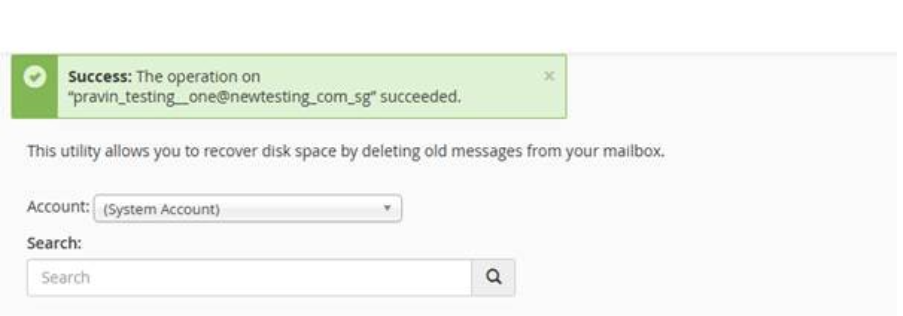
Step6: Completion of Removal of Emails Over One Year Old
We have successfully deleted all emails marked as ‘1 year or older,’ including any messages that were received over a year ago, ensuring that all outdated emails have been completely removed from the system.