Step 1: Log in to your cPanel account.
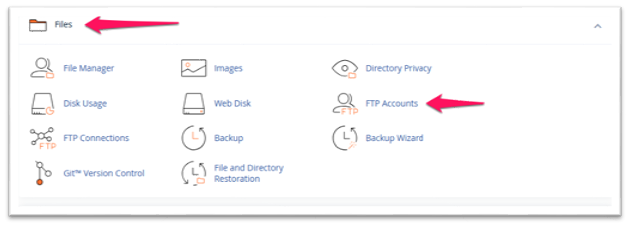
Step 2: In the Files section, click on FTP Accounts.
Step 3: In the FTP Accounts section, you can add a new FTP account.
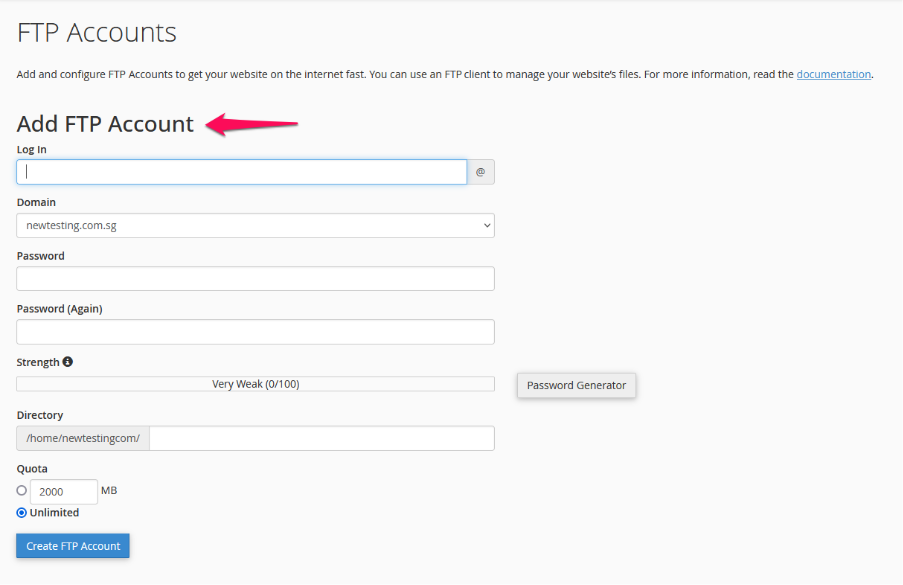
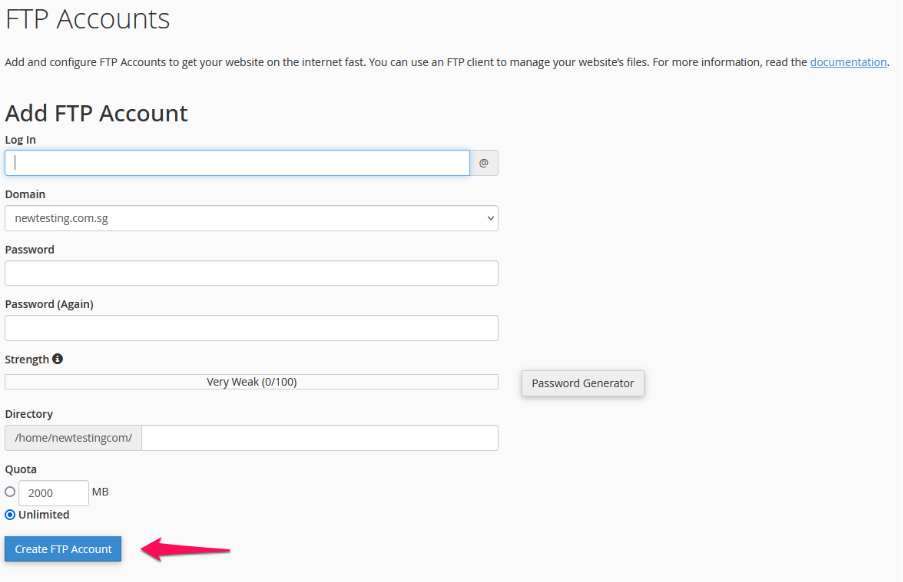
Step 4: Fill in the required details, including Username, Domain, Directory, and Quota, then click Create FTP Account.
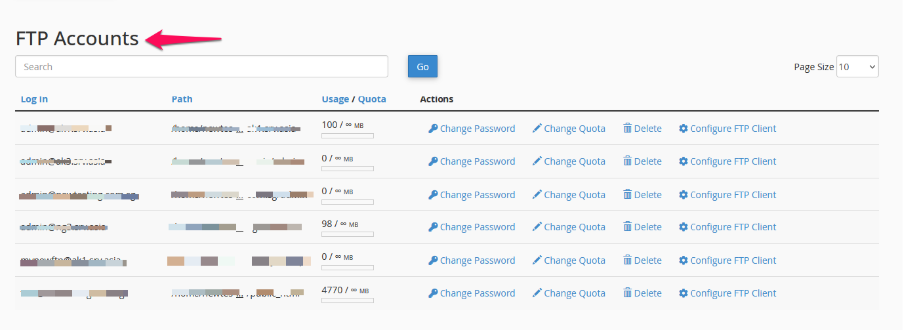
Step 5: Once created, the FTP account will be listed on the same page under the FTP Accounts section.