Step 1: Log in to your cPanel account.
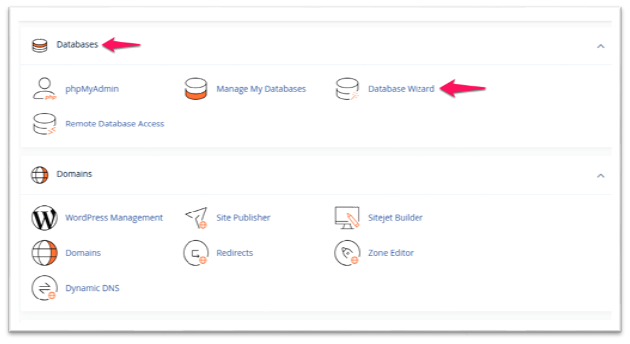
Step 2: In the Databases section, click on Database Wizard.
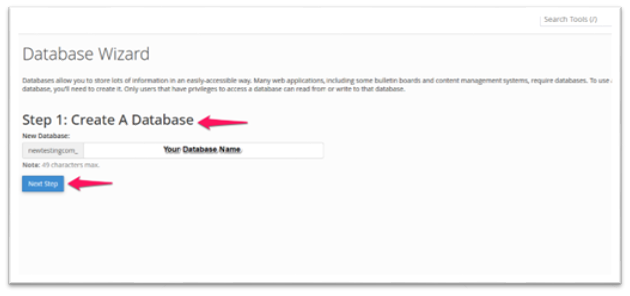
Step 3: In the Create a Database section, input your database name and click on the “Next Step”.
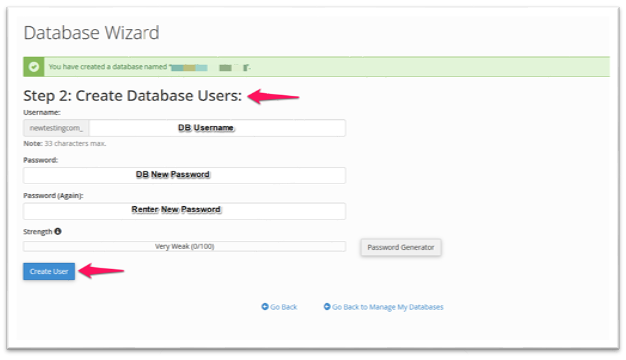
Step 4: In the Create Database Users section, input the Username and password and click on the “Create User”.
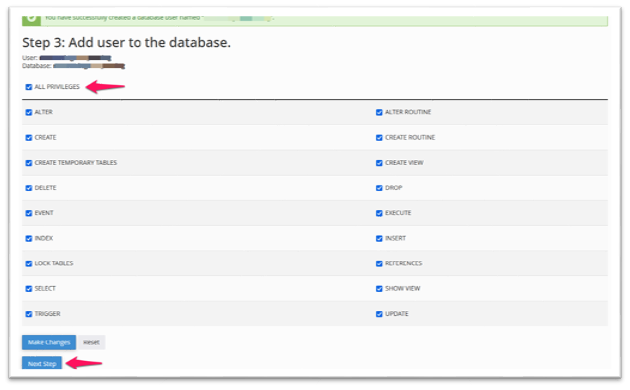
Step 5: In the Add user to the database section, select “All Privileges” and click on “Next Step”.
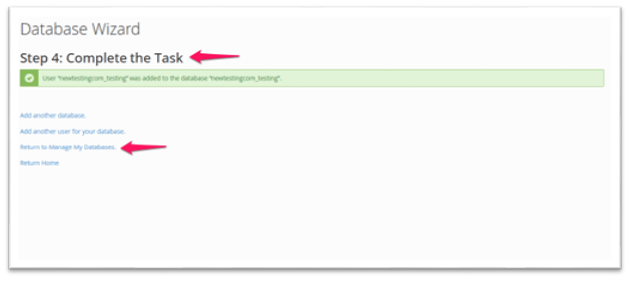
Step 6: Under Complete the Task, click Return to Manage My Databases to view the newly created database.