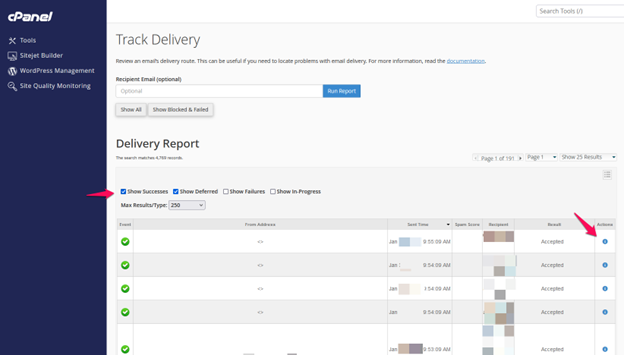
Track delivery:
The Track Delivery option in cPanel (under the Email section) helps you monitor the status of emails sent and received through your server.
It provides a detailed log of email delivery attempts, showing whether an email was delivered, deferred, failed, or rejected.
How does it work?
Log in to cPanel using your credential
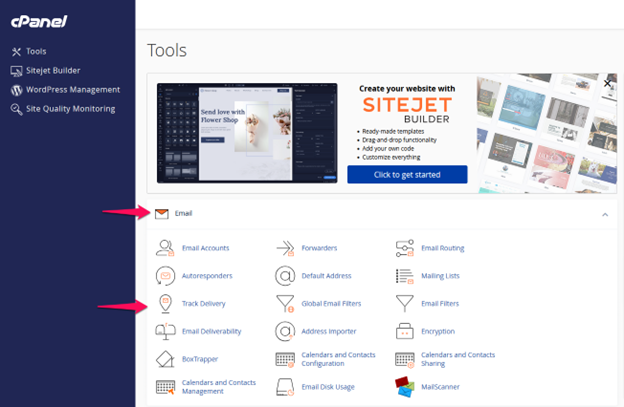
Go to the Email section and click on Track Delivery.
You’ll see a list of recent emails with their delivery status.
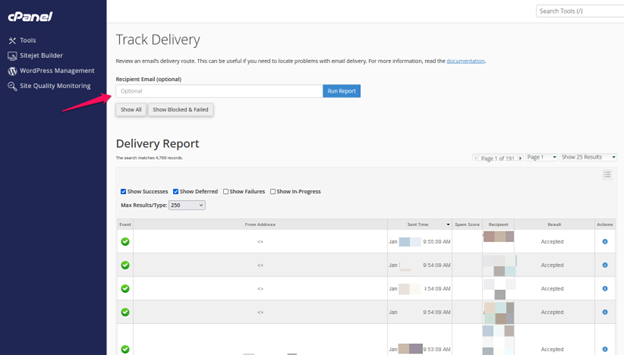
You can search for a specific email by entering the recipient’s email address.
Click on the “i” (info) icon next to an email to view detailed logs.