Step 1: Log in to cPanel:
Go to your domain’s cPanel login page (usually http://yourdomain.com/cpanel or http://yourhostingprovider.com/cpanel).
Provide your cPanel username and password to log in your account.
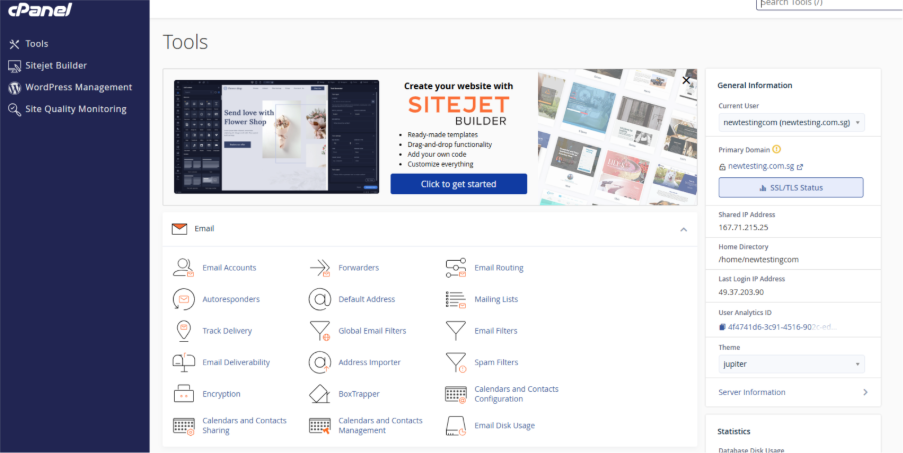
Step 2: Find the “Metrics” Section:
Once logged in, scroll down to the “Metrics” section cPanel dashboard. This section contains various tools for monitoring resource usage.
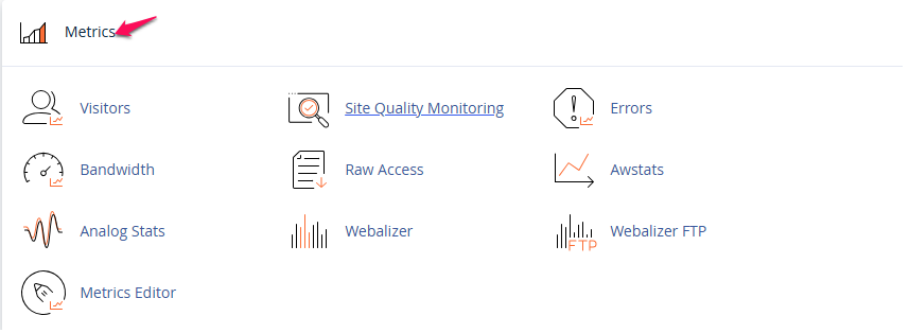
Step 3: Click on “Bandwidth”:
In the “Metrics” section, there will be an option called Bandwidth. Click on it.
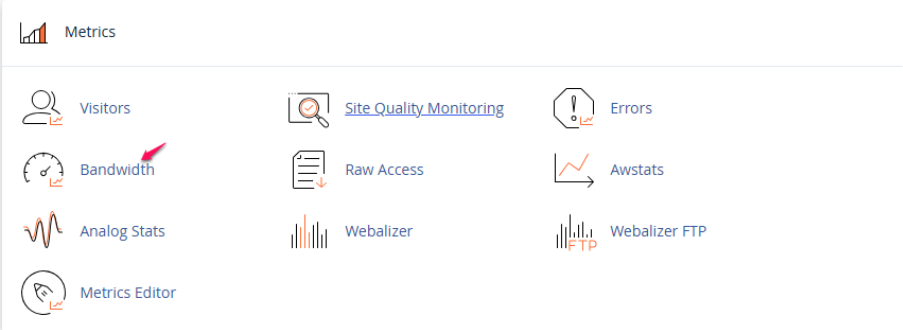
Step4: Review Bandwidth Usage:
You will be redirected to a page where you can see your site’s bandwidth usage.
The page will show details such as:
- Total bandwidth usage for the current month.
- Hourly, daily, and monthly bandwidth statistics.
- Information about data transfer and peak bandwidth usage.
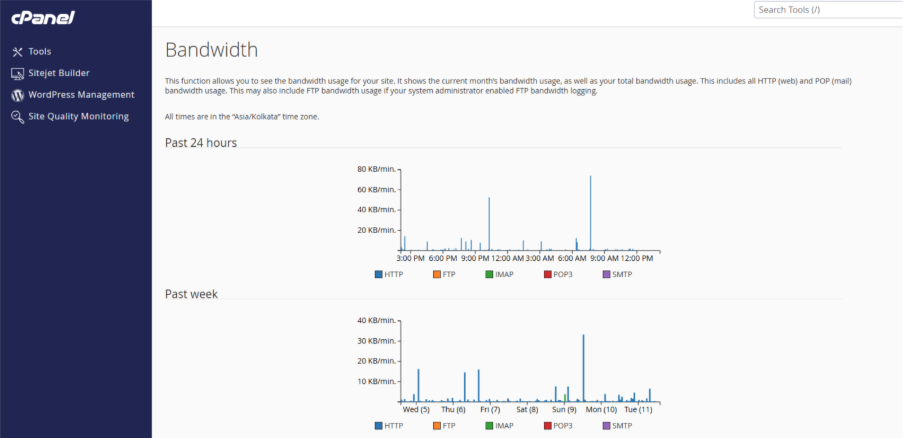
Step5: View Details:
Here you can be able to view specific data for different periods, such as “Last 24 hours” or “Previous month,” depending on your cPanel version.
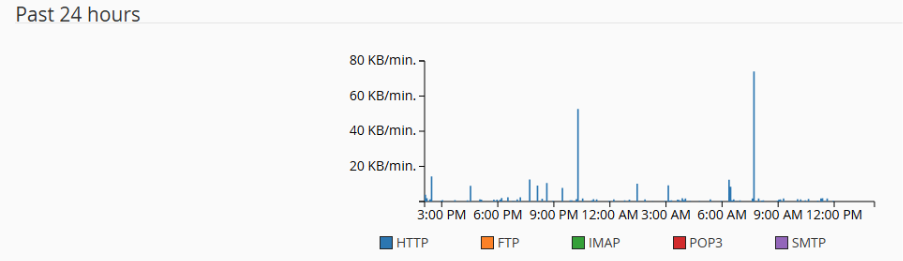
This should give you a better understanding of how much bandwidth your site has been consuming, allowing you to track its usage and stay within your hosting limits.