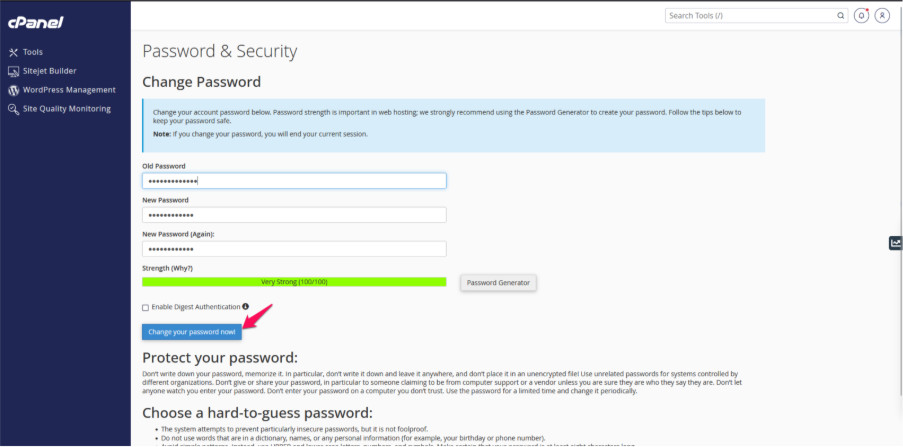
Step 1: Access your cPanel account.
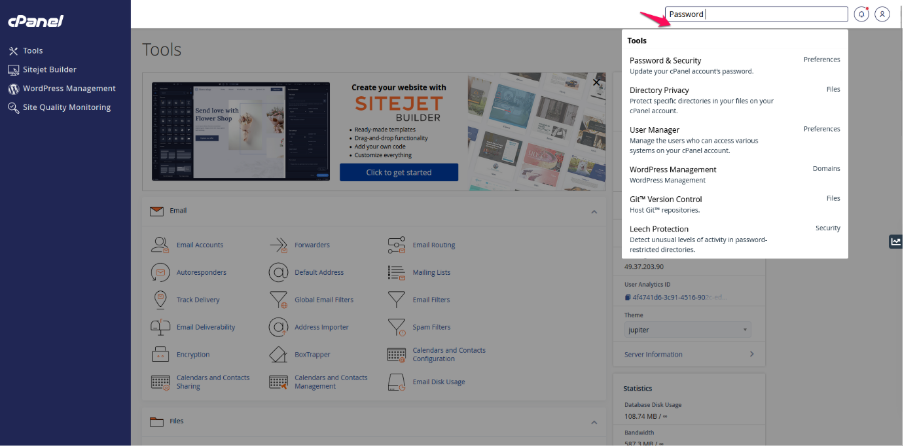
Step 2: Locate the Password and Security section within the cPanel interface.
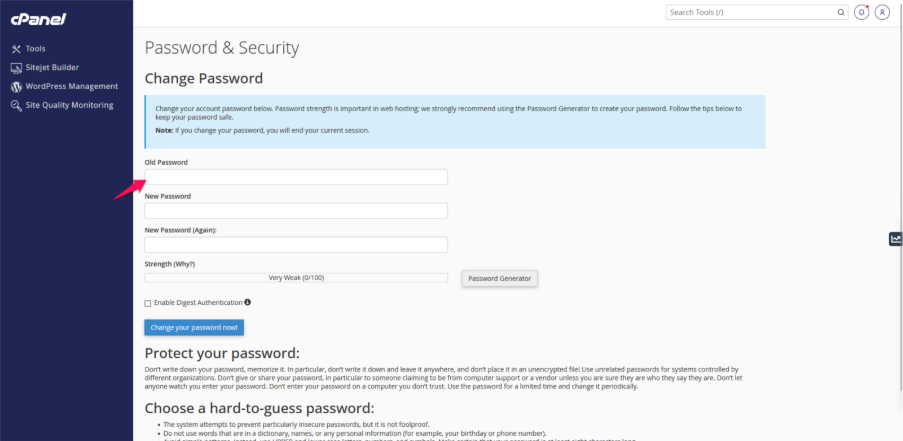
Step 3: Input your current password.
Step 4: Create a new password and enter it again in the provided field.
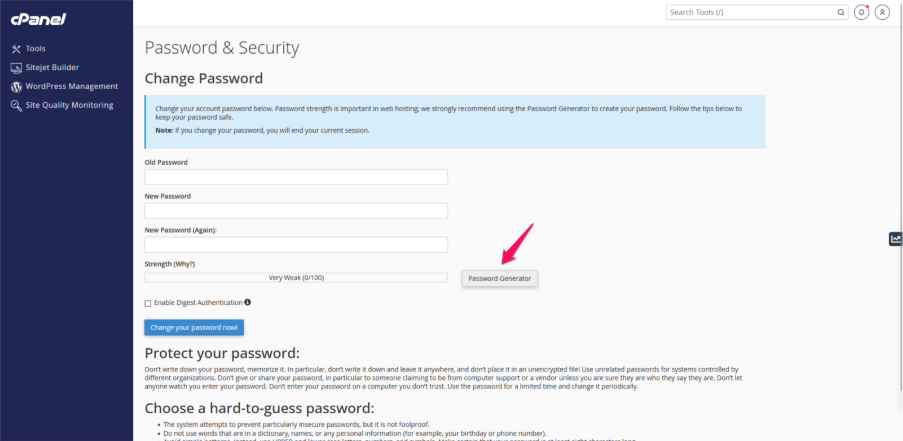
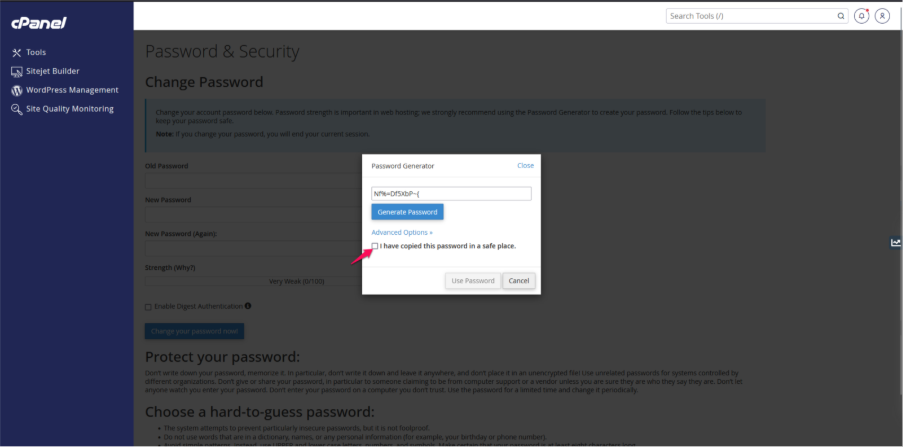
Step 5: Choose the option that states “I have copied this password in a safe place” and continue with the next steps.
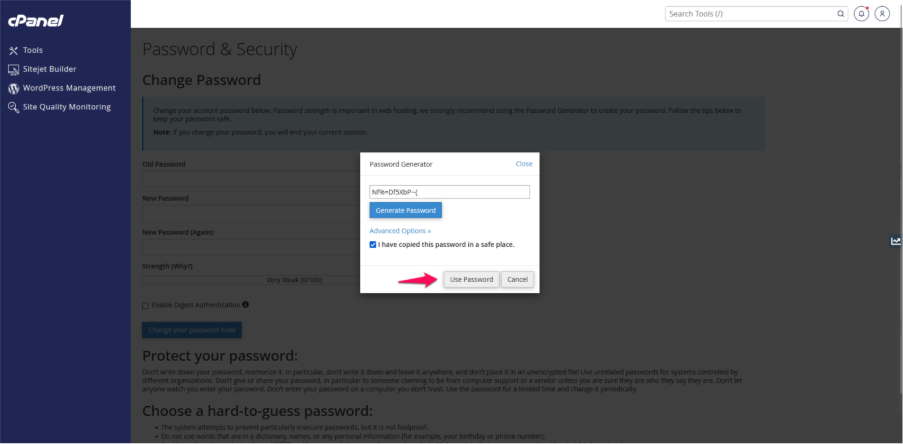
Step 6: Click the Use Password button.
Step 7: Click the Change Your Password Now option.