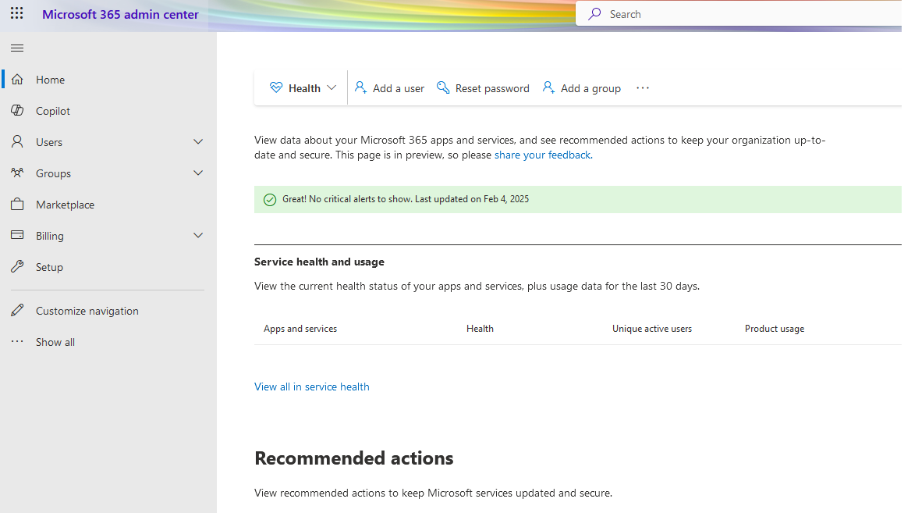
Step -1 Log in to your Microsoft Office 365 Control Panel.
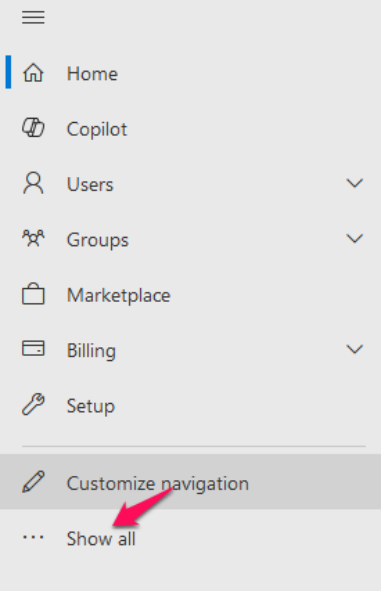
Step-2 From the left menu, click show all.
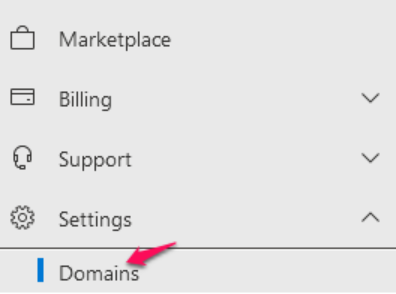
Step -3 From the left menu, select Settings, and then select Domains.
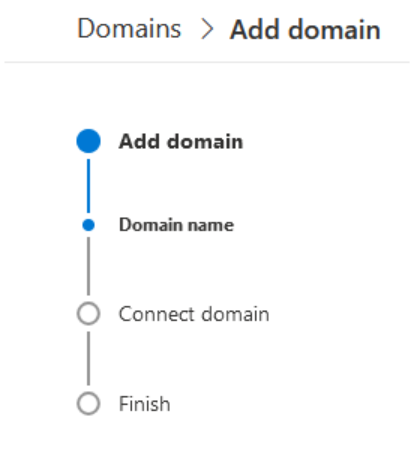
Step-4 In the Domains section, click Add Domain.
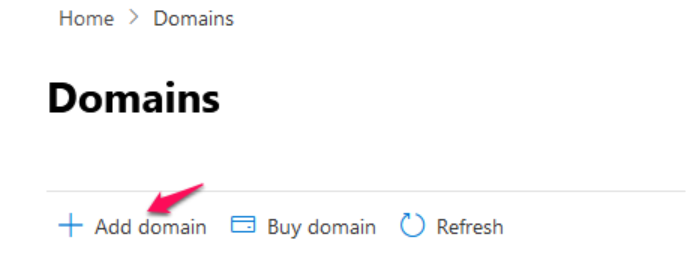
When prompted enter the domain name, and then click Next.
Step- 5: Verify that you own the domain by adding the DNS records at your nameserver end.