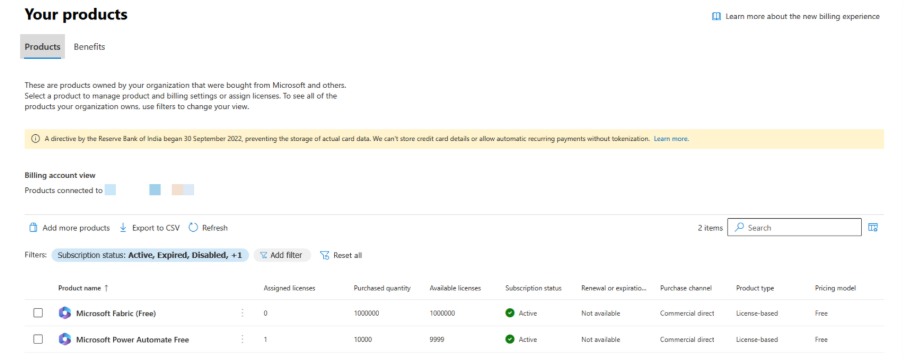
Step 1: Log into Microsoft 365 Admin Center
https://portal.office .com
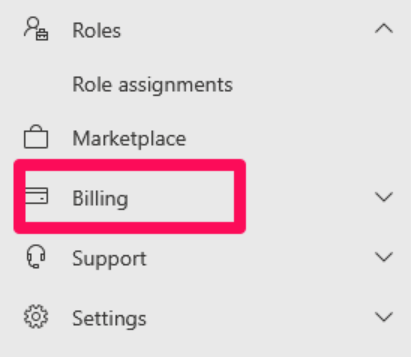
Step 2: Navigate to the Billing Section
On the left-hand menu, click on “Billing”.
Step 3: View Your Subscriptions
Click on “Your Products”.
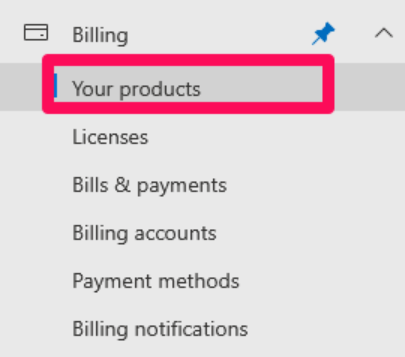
This will show a list of all the subscriptions and licenses associated with the Microsoft 365 account.